If you have an active account of the following universities, you can log in to EDUC Learning by following the steps below.
EDUC Universities
-
Masaryk University
-
University of Cagliari
-
University Jaume I
-
University of Potsdam
-
University of Pécs
-
University of Rennes
-
University of South-Eastern Norway
-
University Paris Nanterre
Steps to log in
-
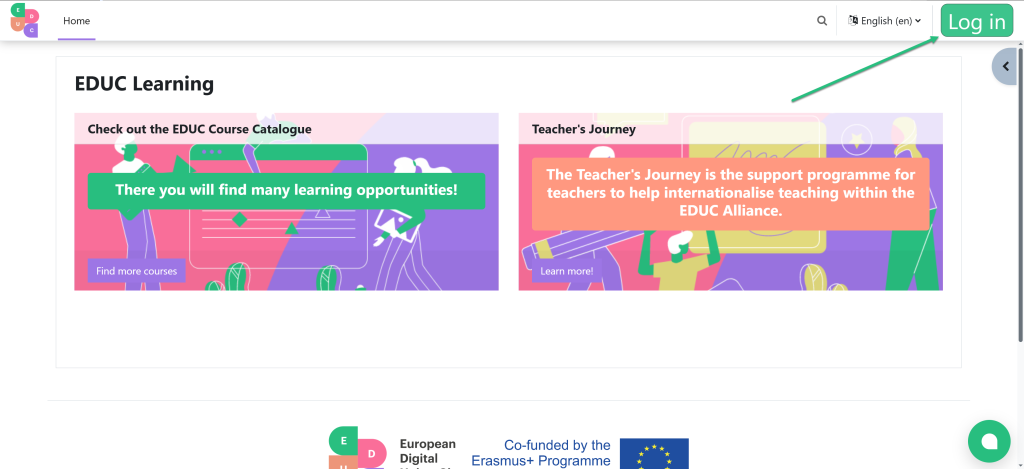
Click on the green "log in" button (right-up corner)
-
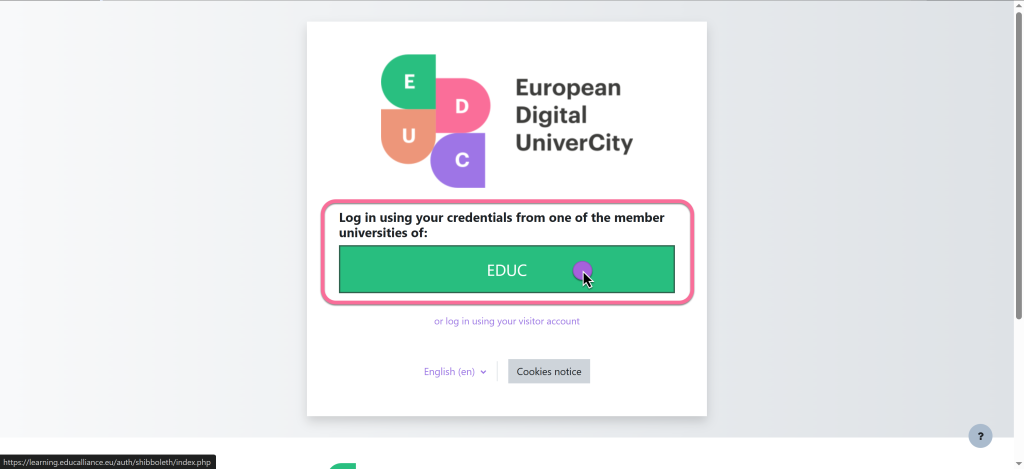
Click on the green big button called "EDUC"
-
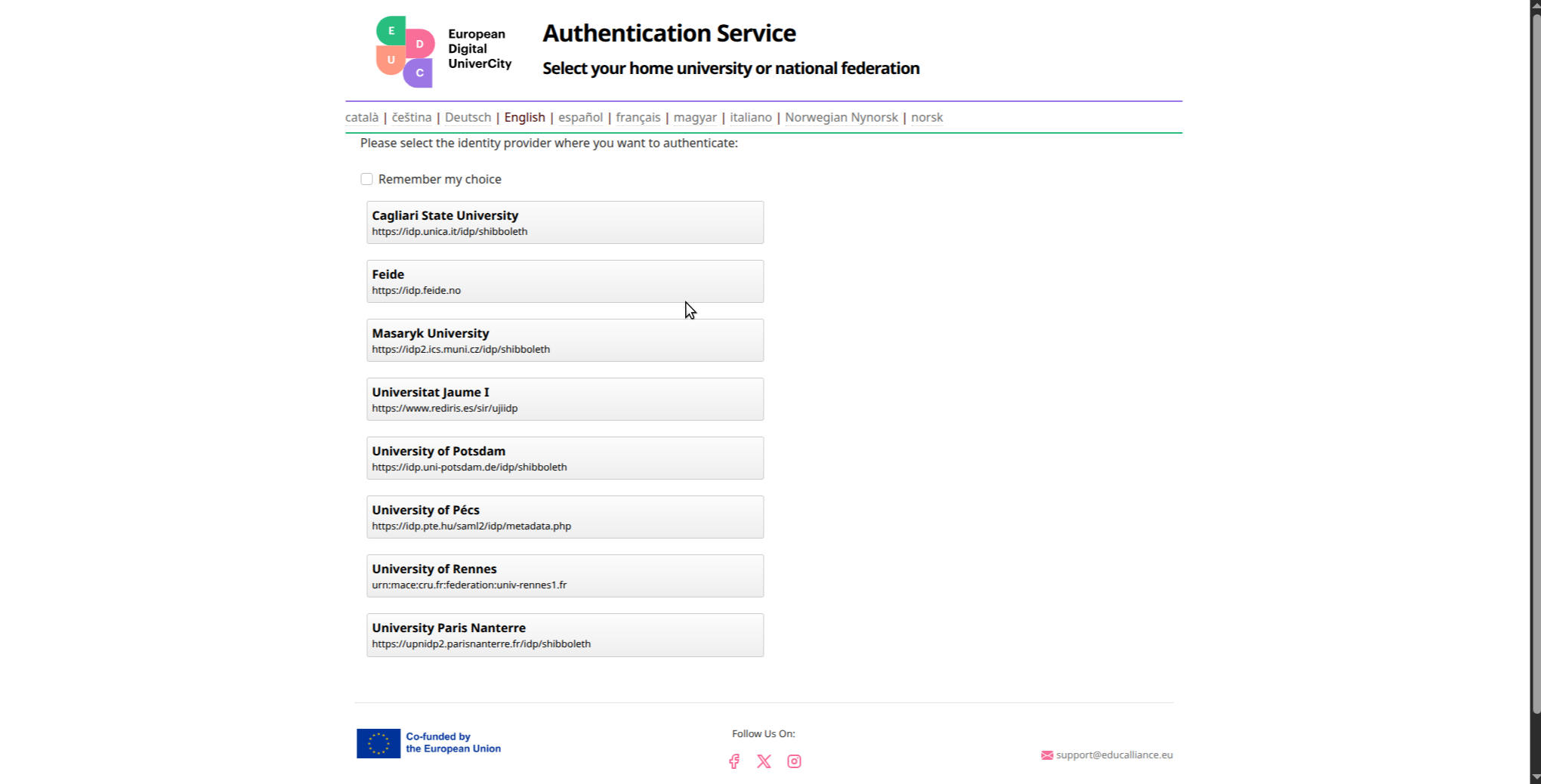
Click on your home University or National Federation:
-
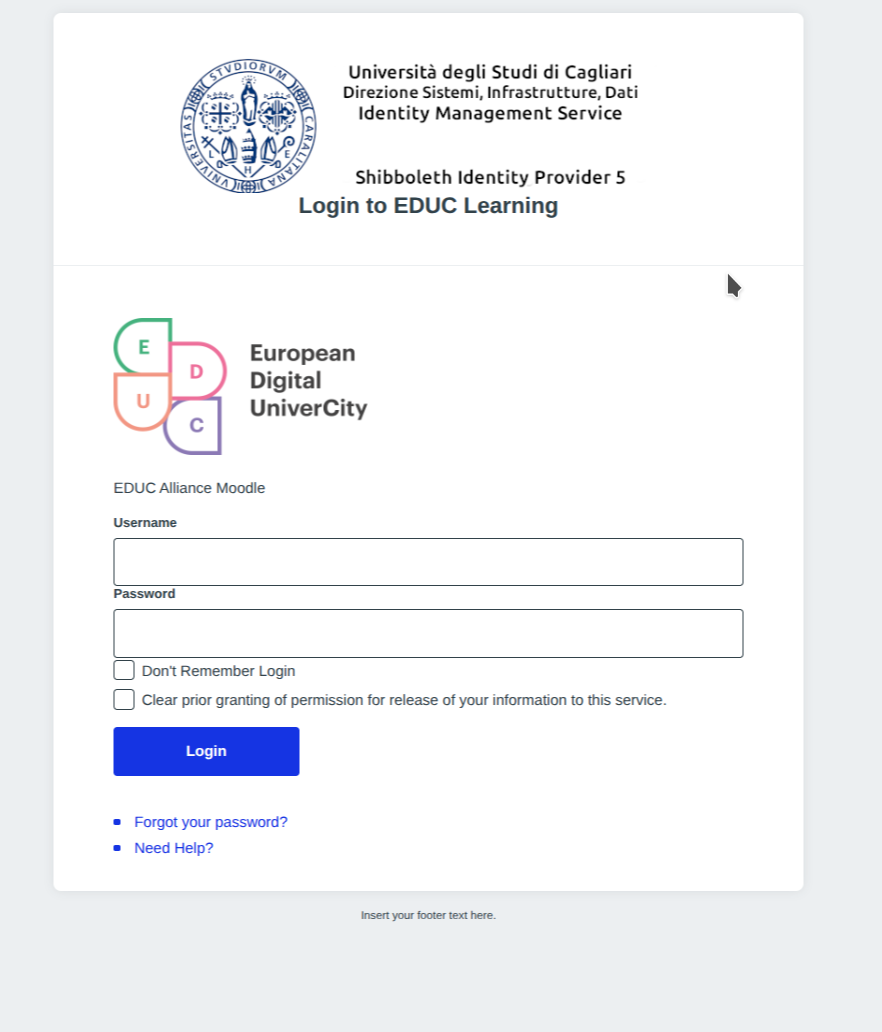
Use your local credential to identify yourself
UNICA:
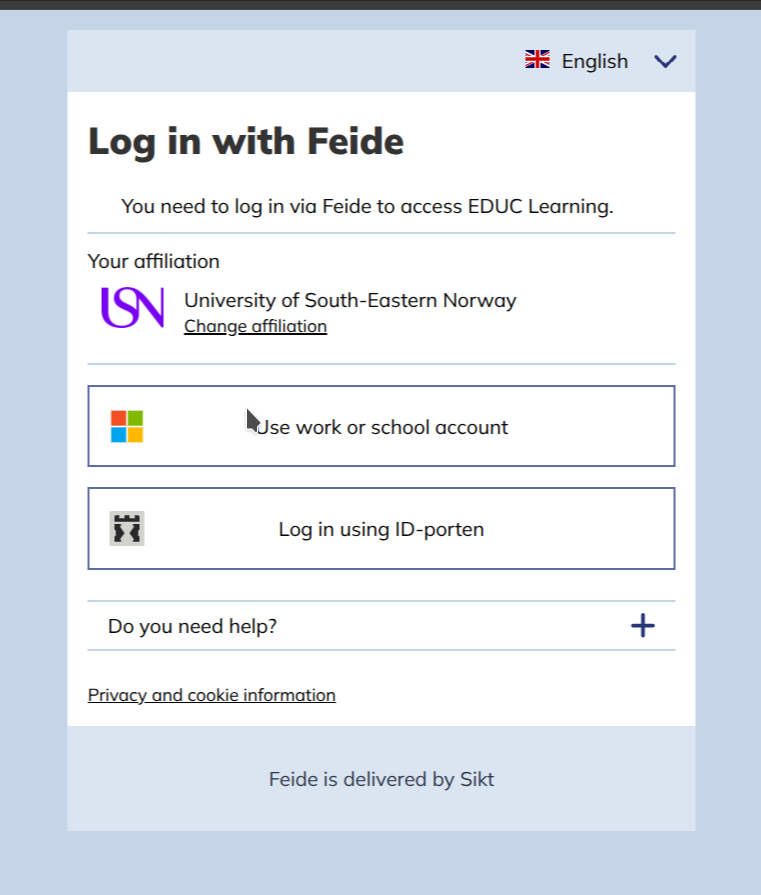
 FEIDE:
 MUNI:
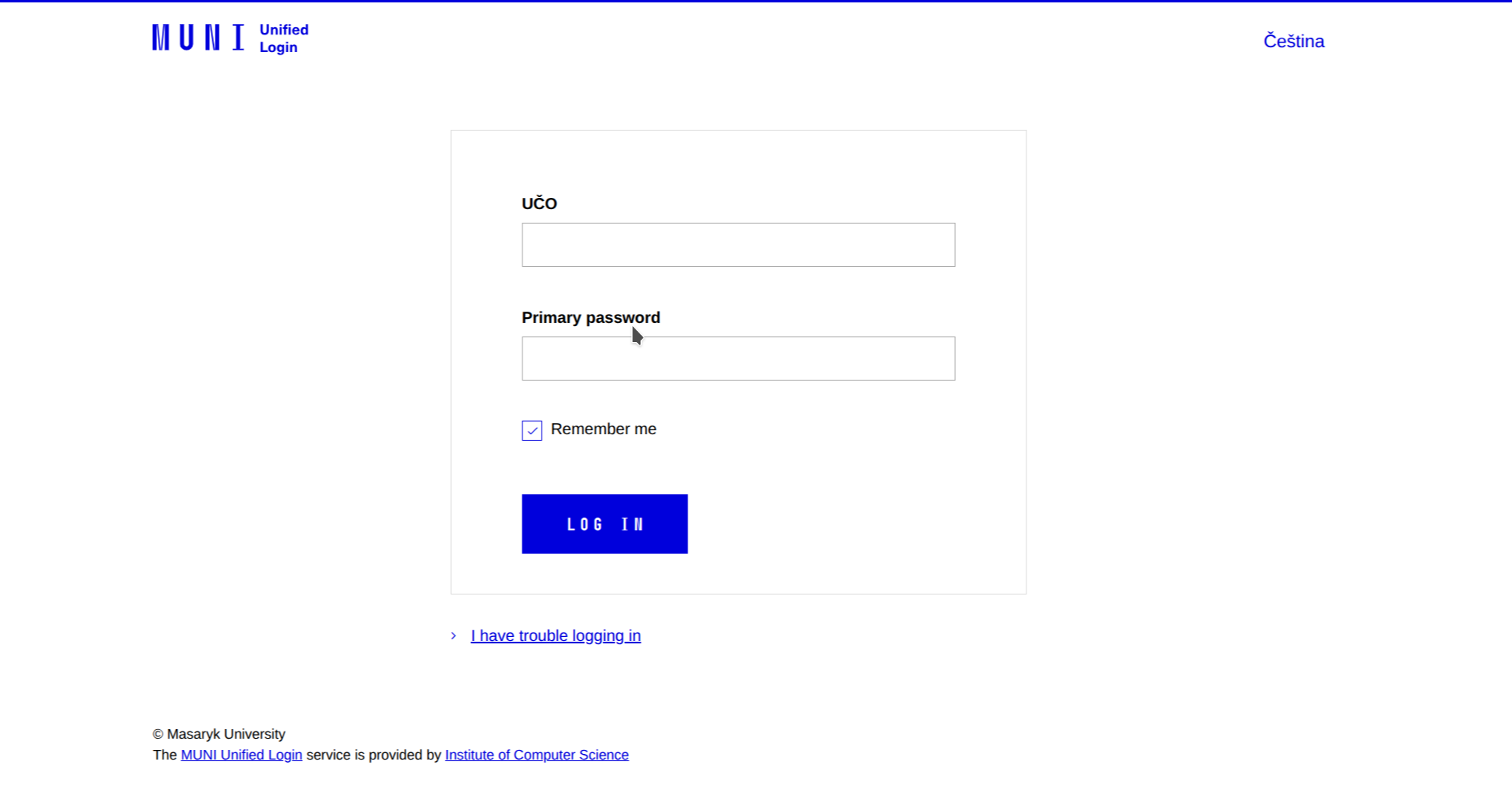
MUNI:
 UJI:
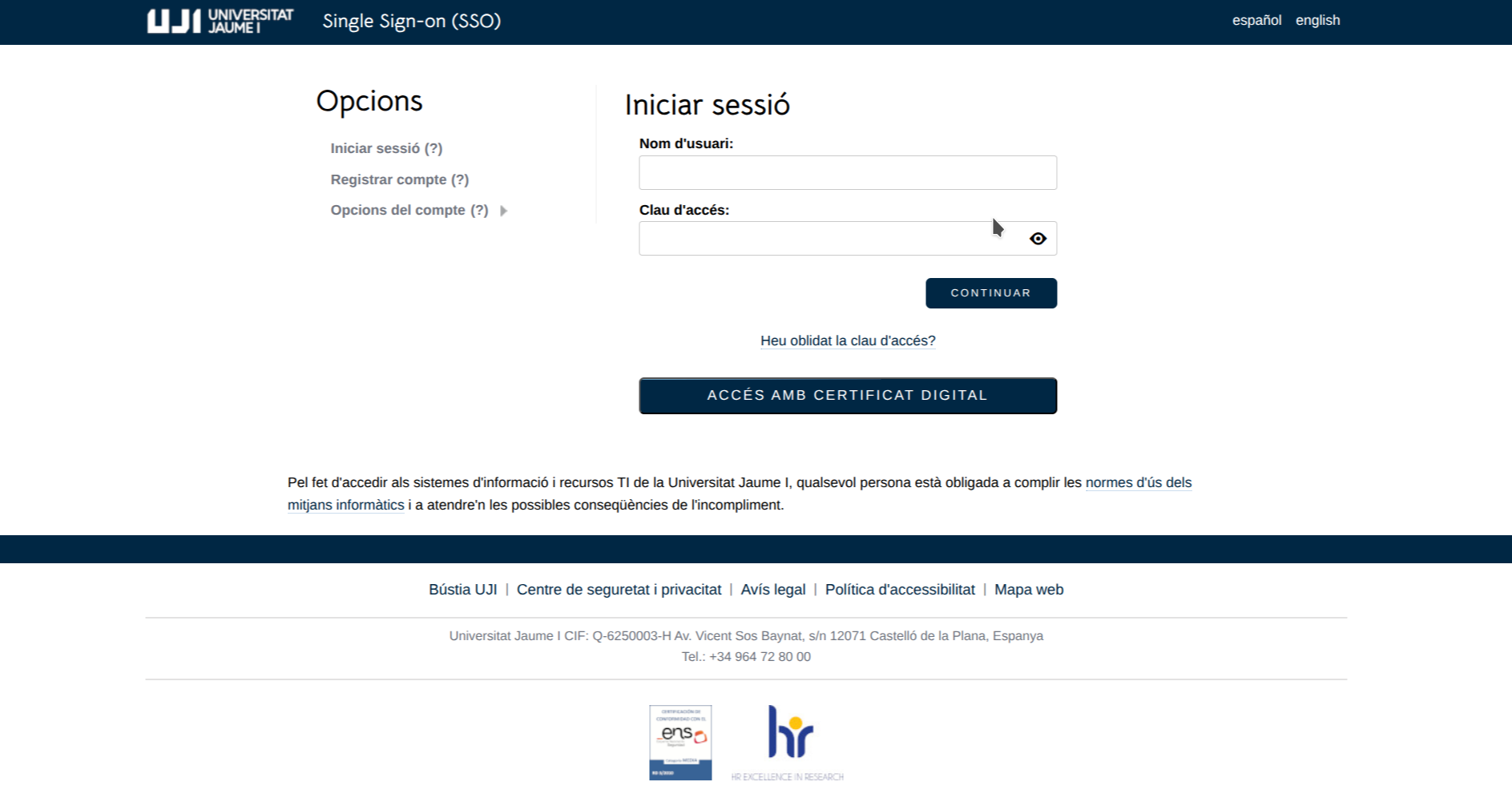
UJI:
 PTE:
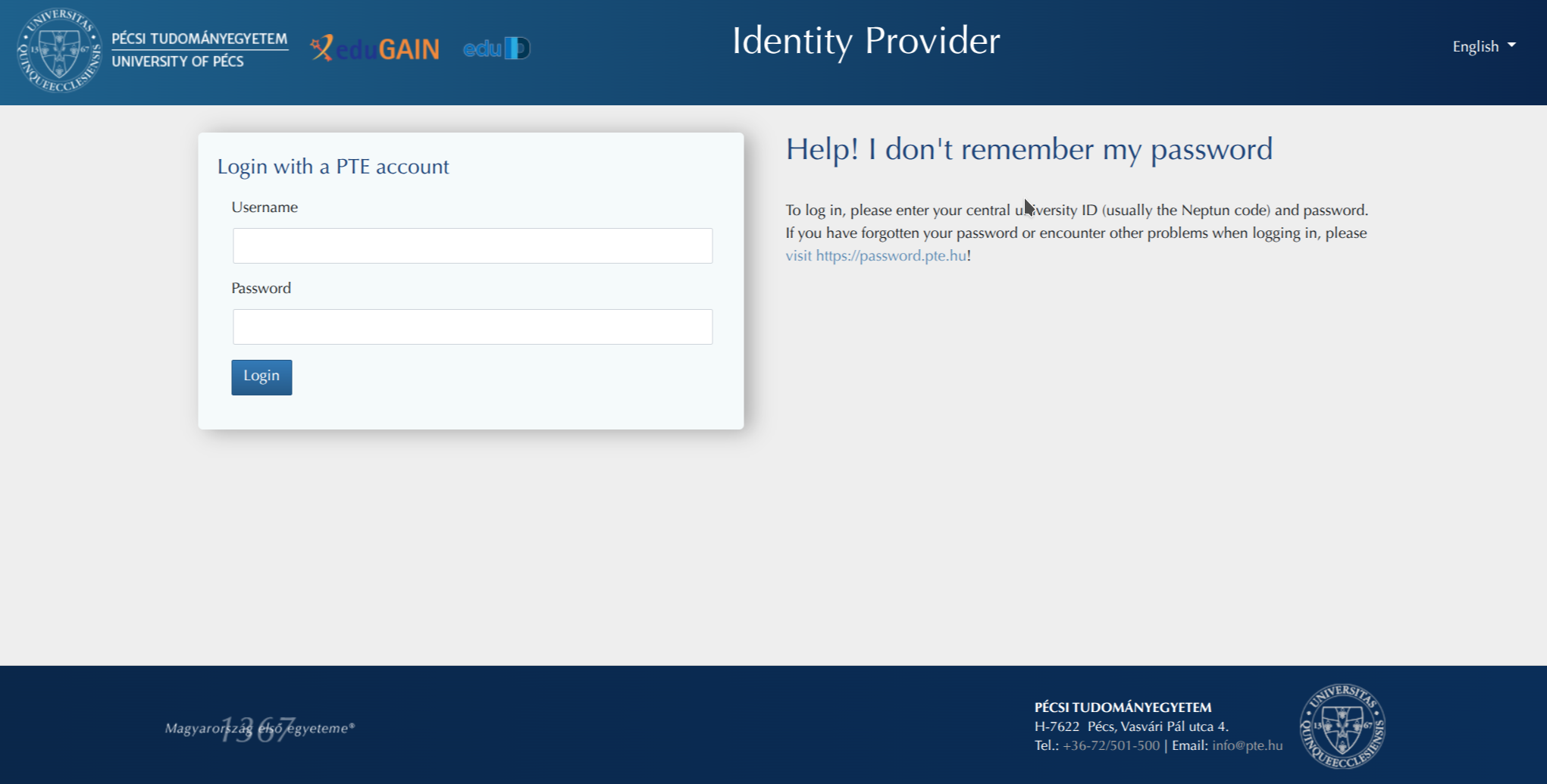
PTE:
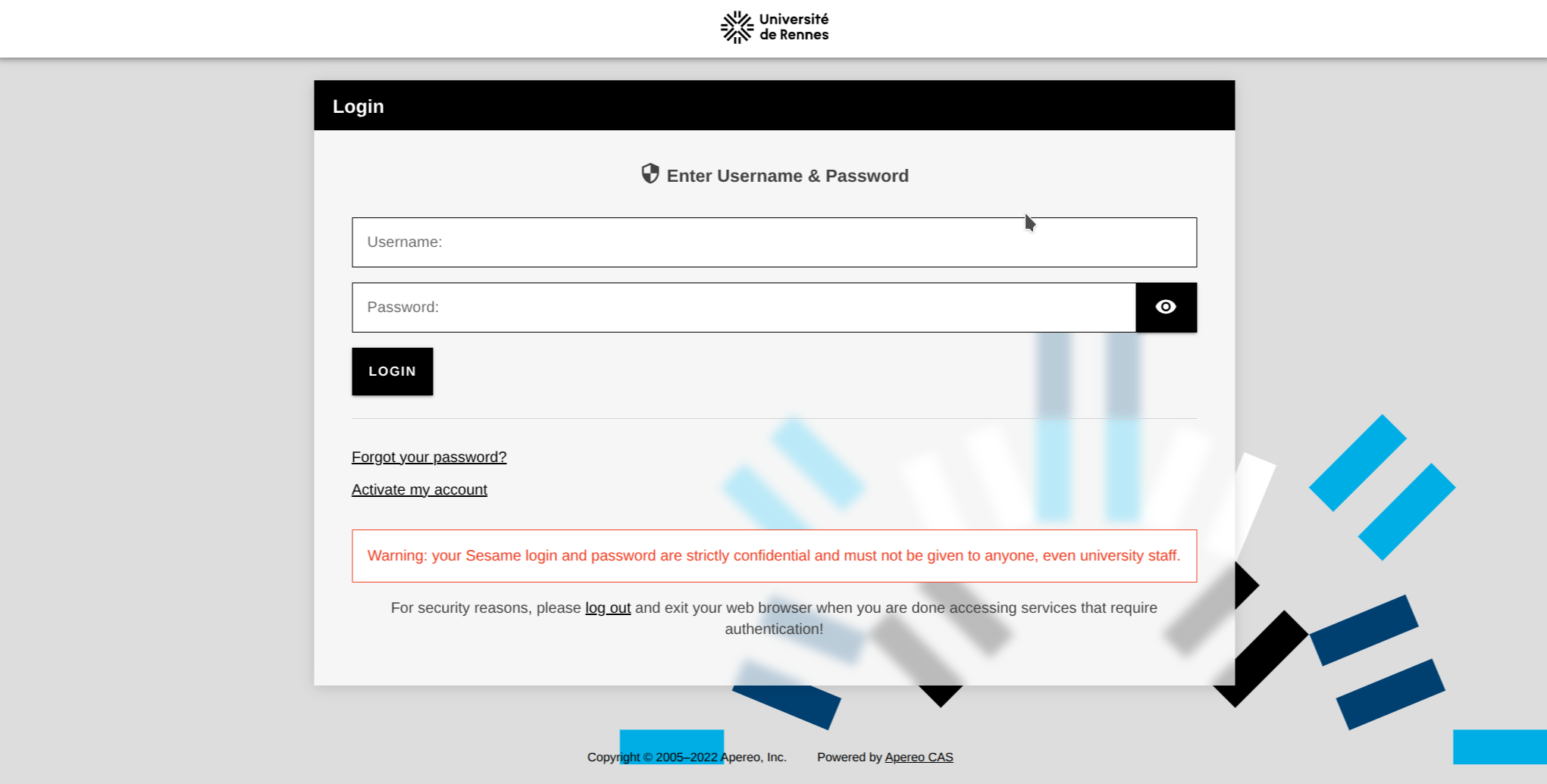
UR:
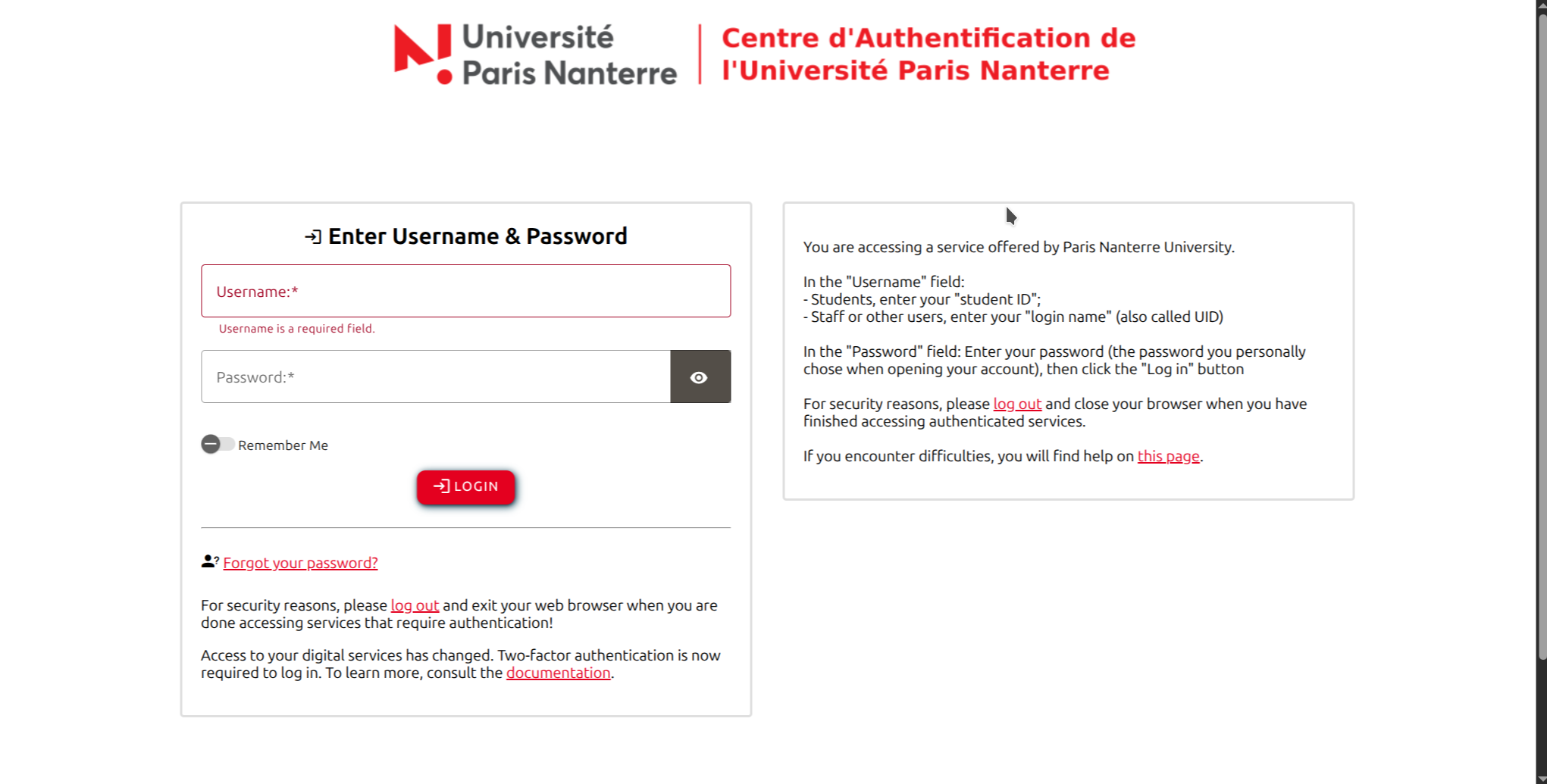
UPN:
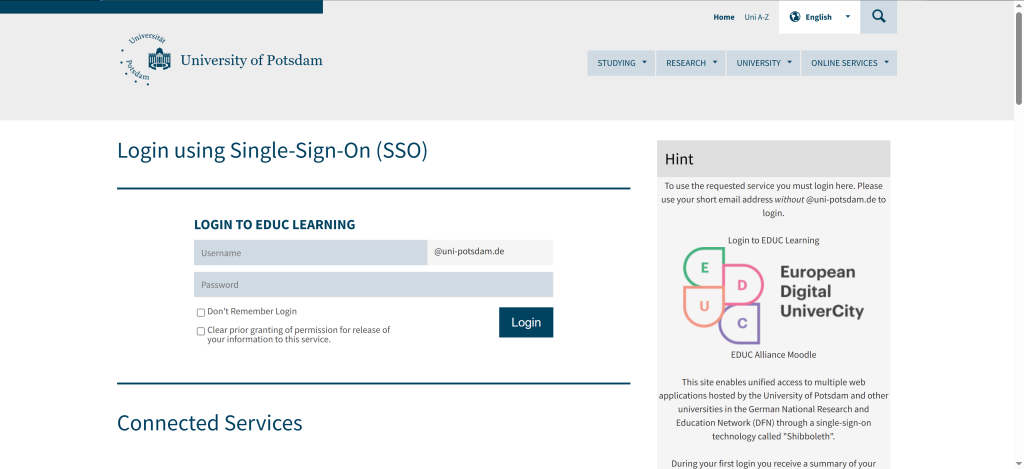
UP:
-
You should be in EDUC Learning Dashboard.
-